Server Browser
Austantacious
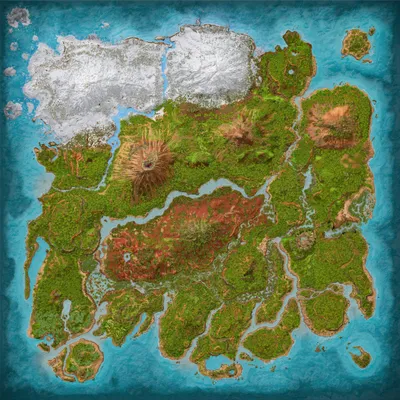
The Island
Population
Loading population history...
Last 24 hours: Average players 0; recorded peak 0.
Installed Mods
15 mods
Castle Craft Decor
ID: 7759021
MarniiMods Hairstyles
ID: 8657831
Visual Storage (Cross Platform)
ID: 6623820
Variant Cycle Tool: Structure Custom Cosmetics
ID: 8022145Show more (11)Show less

Zarthan's Nanny
ID: 7257923
Cliffans Wardrobe [Armor & Clothing]
ID: 7494754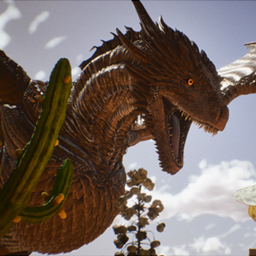
Dragon's Kingdom
ID: 8710657
Dino Depot
ID: 8656851
Super Spyglass Plus
ID: 8160173
Cliffans Backpacks
ID: 6661175
Vanilla+ Saddle Costumes
ID: 6571131
(Crossplay) nS+ Craftable Chibis
ID: 7119388
Automated Dino Wipes
ID: 6570965
Medieval Structures & Decor
ID: 7894637
Greenhouse Glass Fix
ID: 6570862Other Servers In Cluster
3 serversHow to join
- Open ARK: Survival Ascended and choose Join Game.
- Select Unofficial. Enable Show Player Servers if available.
- Search for Austantacious and refresh the list.
- Select the server on The Island and press Join. Enter the server password if prompted. Allow the required mods to download.
Can't find the server?
Clear map and mode filters, then search for part of the name. For a password-protected server, enable Show Password Protected Servers. Check that your game is updated and your platform is listed in Server details.
Give your ARK community a home
Create your own custom server page on Arkbuddy. Share your server details, rates, events, and live population in one place.
Affiliate
Rent an ARK server on Nitrado
Launch your own world in minutes. Use the link for your game version below.