


Server Browser
[Japan]kasebanana[The Island]
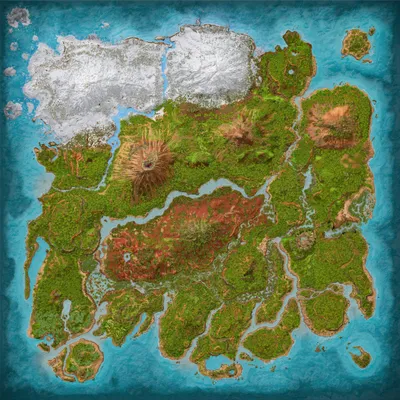
The Island
Population
Loading population history...
Last 24 hours: Average players 0.2; recorded peak 1.
Installed Mods
5 mods
Awesome ARK Tools
ID: 9500243
Super Cryo Storage
ID: 9591467
Loot Grabber
ID: 9417951
All Arena Ascended
ID: 9439695Show more (1)Show less

Aquarium
ID: 9440647Other Servers In Cluster
9 serversOnline
[Japan]kasebanana[Aberration]
0/20 Players
Aberration
Online
[Japan]kasebanana[Astraeos]
0/20 Players
Astraeos
Online
[Japan]kasebanana[Extinction]
0/20 Players
Extinction
Online
[Japan]kasebanana[Genesis1]
0/20 Players
Genesis
Show 5 moreShow less
Online
[Japan]kasebanana[Lost Colony]
0/20 Players
Lost Colony
Online
[Japan]kasebanana[Ragnarok]
0/20 Players
Ragnarok
Online
[Japan]kasebanana[Scorched Earth]
0/20 Players
Scorched Earth
Online
[Japan]kasebanana[The Center]
0/20 Players
The Center
Online
[Japan]kasebanana[The Island]
1/20 Players
The Island
How to join
- Open ARK: Survival Ascended and choose Join Game.
- Select Unofficial. Enable Show Player Servers if available.
- Search for [Japan]kasebanana[The Island] and refresh the list.
- Select the server on The Island and press Join. Enter the server password if prompted. Allow the required mods to download.
Can't find the server?
Clear map and mode filters, then search for part of the name. For a password-protected server, enable Show Password Protected Servers. Check that your game is updated and your platform is listed in Server details.
Give your ARK community a home
Create your own custom server page on Arkbuddy. Share your server details, rates, events, and live population in one place.
Affiliate
Rent an ARK server on Nitrado
Launch your own world in minutes. Use the link for your game version below.