Server Browser
ASA SOSHI 2nd Server
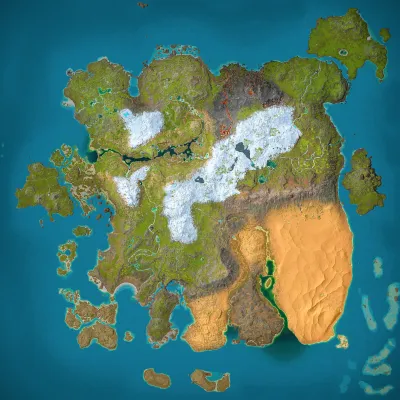
Ragnarok
Population
Loading population history...
Last 24 hours: Average players 0; recorded peak 0.
More PvE servers on Ragnarok
Installed Mods
17 mods
RR-Potions
ID: 7224861
Super Spyglass/Super Binoculars
ID: 6570486
AutoDoors
ID: 8441793
Better Dino Healing
ID: 6567639Show more (13)Show less

Dino Depot
ID: 8656851
Omega Dino Storage V2
ID: 7750116
Omega Teleporters
ID: 6570937
Alfa Oceanic Platforms
ID: 9053521
Super Spyglass Plus
ID: 8160173
Configurable Cryopods
ID: 8976642
Summer Bash
ID: 8453186
Mining Drill (Cross-Platform)
ID: 6571069
Mining Drill WS
ID: 7752347
Myrm's Custom Creations: Draconis Glaucus
ID: 8510746
Custom Dino Levels
ID: 6601211
Teraxititan:Premium
ID: 8524634
Sparky (Freemium)
ID: 8654715How to join
- Open ARK: Survival Ascended and choose Join Game.
- Select Unofficial. Enable Show Player Servers if available.
- Search for ASA SOSHI 2nd Server and refresh the list.
- Select the server on Ragnarok and press Join. Enter the server password if prompted. Allow the required mods to download.
Can't find the server?
Clear map and mode filters, then search for part of the name. For a password-protected server, enable Show Password Protected Servers. Check that your game is updated and your platform is listed in Server details.
Give your ARK community a home
Create your own custom server page on Arkbuddy. Share your server details, rates, events, and live population in one place.
Affiliate
Rent an ARK server on Nitrado
Launch your own world in minutes. Use the link for your game version below.