



Server Browser
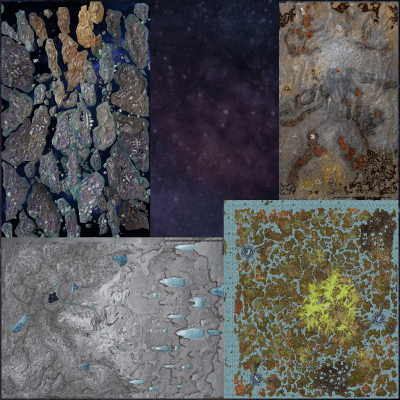
Dingleberry
Genesis
Population
Loading population history...
Last 24 hours: Average players 0; recorded peak 0.
Installed Mods
19 mods
No Cryo Cooldown
ID: 7864687
Dino Depot
ID: 8656851
Alfa Oceanic Platforms
ID: 9053521
Lily's Tweaker
ID: 6567852Show more (15)Show less

Electric Power Amplifier
ID: 6570567
Simple Creature Finder
ID: 6570623
Greenhouse Glass Fix
ID: 6570862
Awesome Elevators!
ID: 6865314
Fast Elevators
ID: 6579983
Eggcellent Adventure
ID: 7870545
Arkitect Structures Remastered
ID: 8636502
Auto Discard Inventory Items
ID: 6579394
Custom Dino Levels
ID: 6601211
Managarmr Jump Unnerf
ID: 8461424
Better Breeding
ID: 6570902
Change Dino Gender
ID: 6570642
Better Mindwipe
ID: 6578921
Clear Screen
ID: 6578816
Admin Commands | Gaia Studios
ID: 8307431How to join
- Open ARK: Survival Ascended and choose Join Game.
- Select Unofficial. Enable Show Player Servers if available.
- Search for Dingleberry and refresh the list.
- Select the server on Genesis and press Join. Enter the server password if prompted. Allow the required mods to download.
Can't find the server?
Clear map and mode filters, then search for part of the name. For a password-protected server, enable Show Password Protected Servers. Check that your game is updated and your platform is listed in Server details.
Give your ARK community a home
Create your own custom server page on Arkbuddy. Share your server details, rates, events, and live population in one place.
Affiliate
Rent an ARK server on Nitrado
Launch your own world in minutes. Use the link for your game version below.