Server Browser
Gh0$tW01f2811
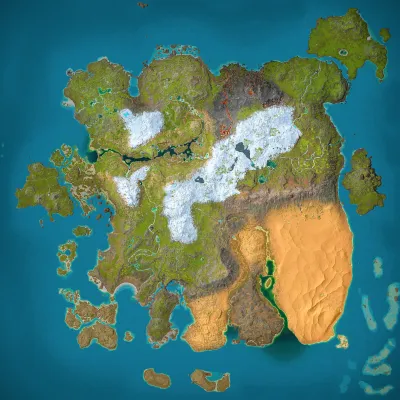
Ragnarok
Population
Loading population history...
Last 24 hours: Average players 0; recorded peak 0.
Installed Mods
18 mods
Klinger Additional Rustic Building
ID: 6562241
Klinger Additional Structures
ID: 6567133
Super Cryo Storage
ID: 8482342
Super Spyglass/Super Binoculars
ID: 6570486Show more (14)Show less

Kibble Vending Machine
ID: 6567585
Chetu's Tools
ID: 8203139
More Otters (Crossplay)
ID: 8562216
Simple Creature Finder
ID: 6570623
Randi's Cooking and Kitchen Mod
ID: 8672528
DinoBook
ID: 7249754
MarniiMods Hairstyles
ID: 8657831
Western Decor
ID: 6870501
Dobermann
ID: 7022069
HuskyWolf
ID: 7937561
Trophy Table
ID: 6573699
Castles, Keeps, and Forts - CKF
ID: 6642983
Medieval Structures & Viking Villages
ID: 8627664
Fear Ascended
ID: 9349440How to join
- Open ARK: Survival Ascended and choose Join Game.
- Select Unofficial. Enable Show Player Servers if available.
- Search for Gh0$tW01f2811 and refresh the list.
- Select the server on Ragnarok and press Join. Enter the server password if prompted. Allow the required mods to download.
Can't find the server?
Clear map and mode filters, then search for part of the name. For a password-protected server, enable Show Password Protected Servers. Check that your game is updated and your platform is listed in Server details.
Give your ARK community a home
Create your own custom server page on Arkbuddy. Share your server details, rates, events, and live population in one place.
Affiliate
Rent an ARK server on Nitrado
Launch your own world in minutes. Use the link for your game version below.