
Server Browser
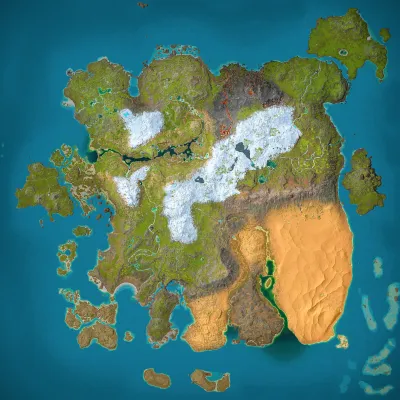
Ryu no Tenshi
Ragnarok
Population
Loading population history...
Last 24 hours: Average players 0.3; recorded peak 1.
Installed Mods
16 mods
Feras Vanilla Edits: Smilodon
ID: 9488219
Piggles' Nanuqsaurus
ID: 9545328
Super Cryo Storage
ID: 9591467
Cyrus' Dragons: Drakyros
ID: 9403925Show more (12)Show less

S-Dino Variants
ID: 9568791
DevilFruitOverhaul
ID: 9573092
Draconic Chronicles (Crossplay) (Dragons, Wyverns and other Draconic Creatures)
ID: 9572884
[T.A.C] Elemental Raptors [Freemium]
ID: 9403891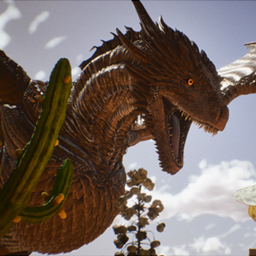
Dragon's Kingdom
ID: 9416825
Pyria Standalones: Orthros
ID: 9487290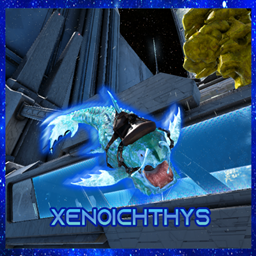
Alien Creature Pack
ID: 9536061
Runic Wyverns
ID: 9583147
Playable Bosses Creatures
ID: 9560827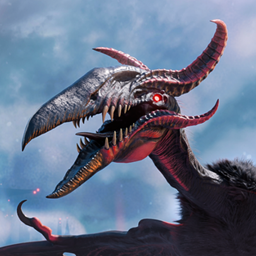
Hatzegopteryx Kukulkan
ID: 9550438
Panel Admin Origine Gaming
ID: 9242291
Extreme Creatures: Gargant Spino
ID: 9544451How to join
- Open ARK: Survival Ascended and choose Join Game.
- Select Unofficial. Enable Show Player Servers if available.
- Search for Ryu no Tenshi and refresh the list.
- Select the server on Ragnarok and press Join. Enter the server password if prompted. Allow the required mods to download.
Can't find the server?
Clear map and mode filters, then search for part of the name. For a password-protected server, enable Show Password Protected Servers. Check that your game is updated and your platform is listed in Server details.
Give your ARK community a home
Create your own custom server page on Arkbuddy. Share your server details, rates, events, and live population in one place.
Affiliate
Rent an ARK server on Nitrado
Launch your own world in minutes. Use the link for your game version below.