


Server Browser
Strickroot
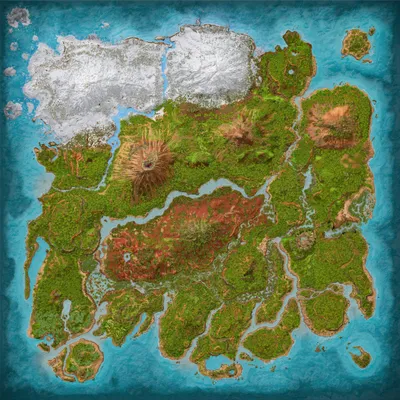
The Island
Population
Loading population history...
Last 24 hours: Average players 0; recorded peak 0.
Installed Mods
17 mods
JVH Landscaping
ID: 7859304
JVH Garden Decor
ID: 6905866
RR-WarWeapons
ID: 7224555
RR-Homedeco and more!
ID: 7225906Show more (13)Show less

Visual Storage (Cross Platform)
ID: 6623820
Utilities Plus
ID: 6621162
Cliffans Backpacks
ID: 6661175
Klinger Additional Boats
ID: 8383932
Cliffans Wardrobe [Armor & Clothing]
ID: 7494754
Cliffans Weapons: Modern
ID: 7490192
Viking Wardrobe
ID: 6601274
Greenhouse Glass Fix
ID: 6570862
RR-Floating Platforms
ID: 7226189
Alfa Oceanic Platforms
ID: 9053521
Cliffans Saddles [Vanilla Saddles Expanded]
ID: 6601266
Cliffans Weapons: Western
ID: 7490230
Cliffans Nautical Turrets
ID: 7195883How to join
- Open ARK: Survival Ascended and choose Join Game.
- Select Unofficial. Enable Show Player Servers if available.
- Search for Strickroot and refresh the list.
- Select the server on The Island and press Join. Enter the server password if prompted. Allow the required mods to download.
Can't find the server?
Clear map and mode filters, then search for part of the name. For a password-protected server, enable Show Password Protected Servers. Check that your game is updated and your platform is listed in Server details.
Give your ARK community a home
Create your own custom server page on Arkbuddy. Share your server details, rates, events, and live population in one place.
Affiliate
Rent an ARK server on Nitrado
Launch your own world in minutes. Use the link for your game version below.